There was a time, not that long ago, when the humble phone call was king. A voice on the other end of the line was all it took to make plans, catch up with a mate, or share news. Fast forward a couple of decades and now the “phone” in our pocket is rarely used for its original purpose.
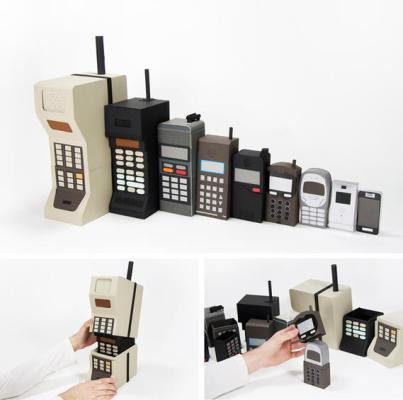
These days, it’s the buzzing, pinging, dopamine-laced beast of social media that drives our daily conversations.
Texts are short, replies even shorter, and the art of meaningful conversation has been slowly replaced with likes, comments, and endless scrolling. We share, we comment, we swipe—but rarely do we pause to talk.
Everything is instant, and ironically, it’s making genuine communication harder. It’s convenient, sure, but is it really connection? We live in a time where seeing a missed call gives us mild anxiety, but 67 unread notifications feels normal.
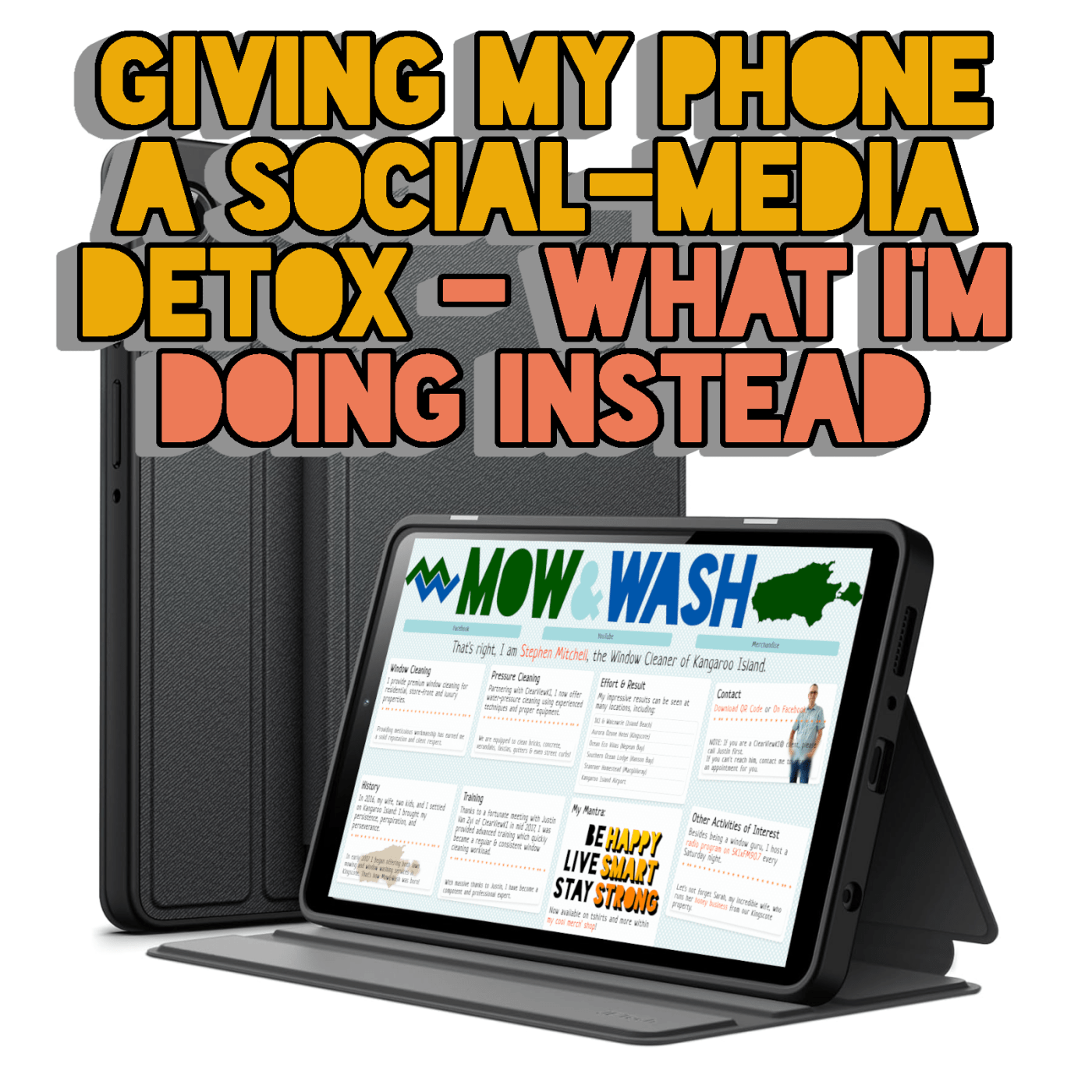
So, I’ve decided it’s time for a bit of a digital reshuffle. I’m about to get myself a tablet, and with that, I’ll be moving most of the social media apps off my phone entirely.
Only Instagram and Messenger will remain—mostly because they’re still useful for visual updates and the occasional chat. The goal: Less distraction, more focus on my day job!

It’s not about swearing off the platforms completely. Social media still has its uses—keeping up with mates, showcasing creativity, even staying in the loop with world events.
I reckon it might just help me feel a little more present in the real world, where conversations happen face-to-face, and the only ping I hear is the kettle boiling.
ABOUT THE SAMSUNG GALAXY TAB A9 8.7″
The tablet I’ve got my eye on is the Samsung Galaxy Tab A9 8.7″, a neat little unit that strikes a decent balance between size, performance, and price.
What really makes the A9 stand out for my needs is its simplicity. It’s not trying to be a laptop replacement or some overpowered Swiss Army knife of a device. Perfect for social media, a bit of YouTube, checking emails, and reading articles without the constant buzzing of a phone demanding my attention.
With an octa-core processor and enough RAM to keep things snappy, it’ll handle social apps, streaming, and casual productivity without breaking a sweat. It also supports expandable storage -something many big-name devices have frustratingly abandoned – so I can keep my files, offline content, and photos without worrying about space.

It’s also compact enough to chuck in a backpack without weighing me down, plus still offers enough screen real estate to make scrolling, reading, and replying a far more comfortable experience than squinting at my phone.
Along with the usual social apps, I’d like to install GIMP (for creating and editing ads and extra images for my website), WordPress (to manage my blog), and Notepad++ (for HTML and CSS editing). So I may need to look at increasing the tablet’s capacity or using a microSD card to keep everything running smoothly without a hitch.
Thankfully, moving files between the tablet and my computer is as simple as plugging in a USB-C cable and selecting File Transfer mode from the notification bar. Either way, it fits right into my existing workflow without adding more hassle.

Discover more from The Entrepreneurial Life of Stephen Mitchell
Subscribe to get the latest posts sent to your email.
 The Entrepreneurial Life of Stephen Mitchell
Have a differing view or opinion, or agree wholeheartedly? Your response is welcomed!